June 27, 2025
How to easily take beautiful food photos?
Beautiful food photos to boost your sales with Sublimify.
June 27, 2025
In the restaurant and food industry, photography is no longer a "plus": it’s your top salesperson. On Uber Eats, Deliveroo, your website, or Google Maps, everything happens in 3 seconds: an appetizing image gets clicks, a dull image drives them away. The catch? Getting truly beautiful photos is often expensive and time-consuming (photographer, lighting, styling, retouching…). The result: many settle for "average" shots that don’t express the quality of the dish and leave value on the table.
Sublimify changes the game. You take your dishes as best you can (smartphone, daylight), and the AI does the rest: it corrects the lighting, enhances the colors, cleans the background, straightens and intelligently crops, and enhances textures… Even "not perfect" photos become sharp, appetizing, and coherent — ready for Uber Eats, Deliveroo, social media, and e-commerce sites.
This guide shows you why photography impacts your sales, how to avoid pitfalls, and especially how Sublimify radically simplifies the process. Goal: visuals that make you hungry, without a studio, without hassle, and with a direct impact on click-through rates and conversions.
A bright and appetizing photo grabs attention while scrolling. It immediately conveys the portion size, freshness, and generosity. In contrast, a dark or blurry image devalues your cuisine and loses clicks. Your customers visually compare offers from a distance: the photo becomes your number one selling point.
With Sublimify, you eliminate randomness: every published photo automatically meets a professional standard (lighting, contrast, frame cleanliness). Your dishes are always presented in their best light — and it shows in clicks, cart additions, and retention.
"Without Sublimify, you need Photoshop/Lightroom, time, and expertise. With Sublimify, these corrections are automatic and reproducible."
Platforms favor clear, bright, centered visuals, with one dish per photo. Thanks to its intelligent cropping and background cleaning, Sublimify produces clear images that are readable in thumbnails, standing out in lists.
You create a menu style (same lighting, same margins) and apply it to the entire menu in batch processing. With each dish change, take a quick photo, run it through Sublimify: your visuals stay updated, consistent — without costly photo shoots.
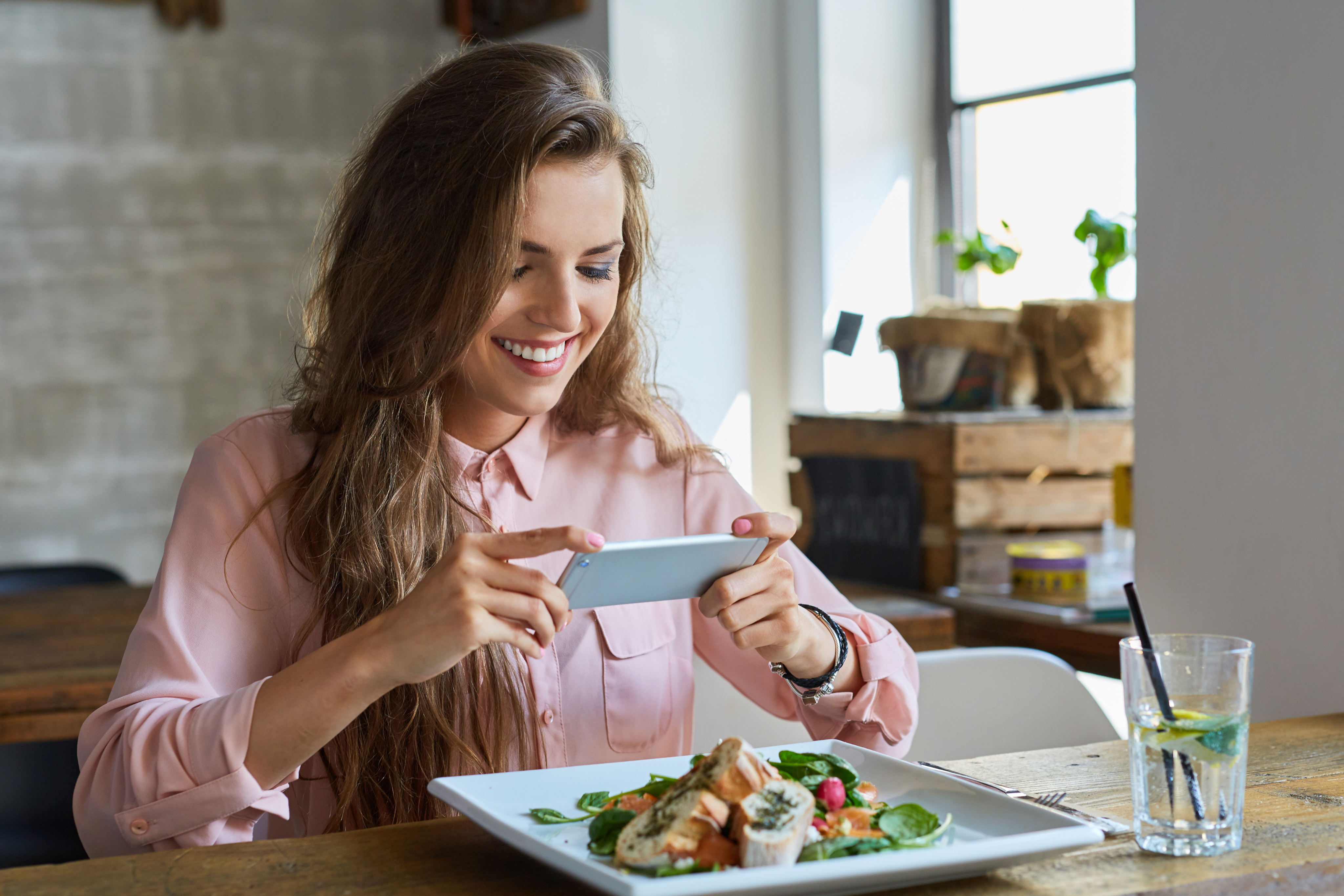
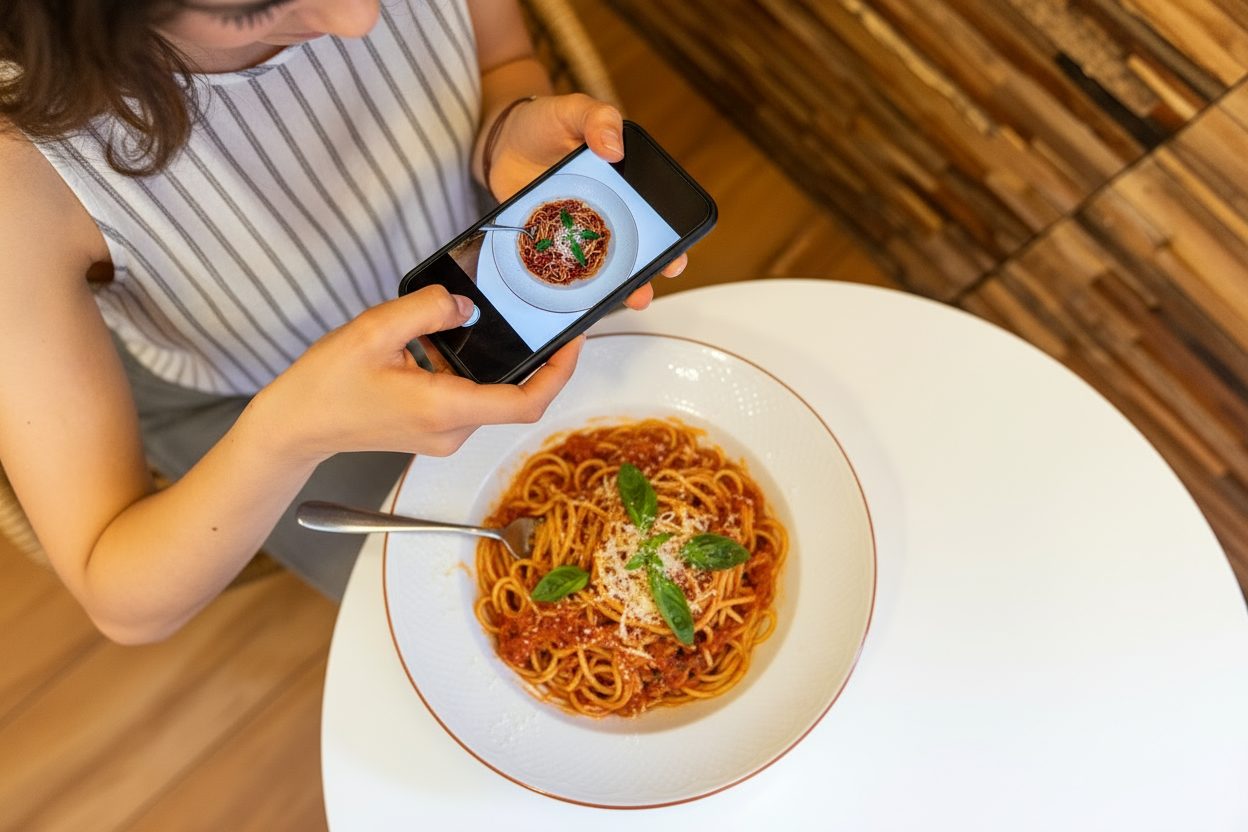
Your customers decide with their eyes. The good news is that you don’t need a studio or a professional budget to win the thumbnail battle. With a smartphone, two shooting rules, and Sublimify for the invisible magic (lighting, colors, background, framing, consistency), your photos go from "okay" to "I’m hungry" — reliably, quickly, and repeatably.
The decisive advantage of Sublimify: it removes complexity. No need to master retouching, no need to spend your evenings on it. You shoot, you upload, it’s optimized. And since the tool standardizes your entire menu, your brand immediately appears more professional: same hues, same margins, same codes. On UberEats/Deliveroo, this level of clarity boosts your dishes' visibility, increases clicks, and improves conversions.
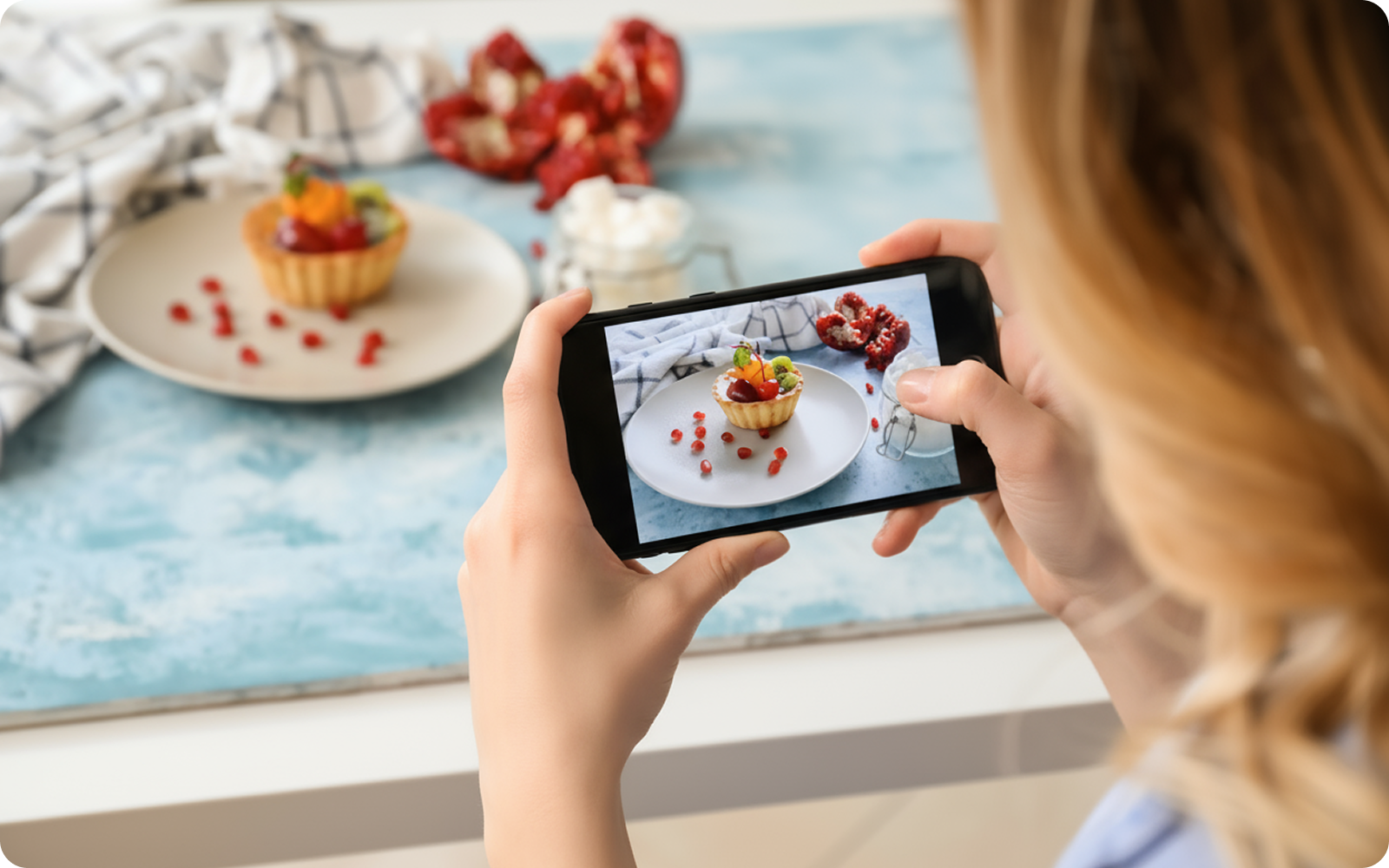
Start right away: choose 3 key dishes, take a simple shot near a window, run them through Sublimify, and replace your old thumbnails. Compare your KPIs in a week. If, like many, you see clicks and conversions rise, roll out the method across the entire menu. Sublimify is here to give your kitchen the image it deserves, without the cost or hassle.

Want to try it for free?
Enjoy your first 3 credits for free!
No credit card required.
10 simple tips to succeed in your food photos and enhance them in one click with Sublimify.
Read the article →
Create irresistible visuals for platforms with Sublimify, your AI photo studio.
Read the article →
Bakeries, cheese shops, caterers: Sublimify enhances your artisanal products in seconds.
Read the article →
June 27, 2025
In the restaurant and food industry, photography is no longer a "plus": it’s your top salesperson. On Uber Eats, Deliveroo, your website, or Google Maps, everything happens in 3 seconds: an appetizing image gets clicks, a dull image drives them away. The catch? Getting truly beautiful photos is often expensive and time-consuming (photographer, lighting, styling, retouching…). The result: many settle for "average" shots that don’t express the quality of the dish and leave value on the table.
Sublimify changes the game. You take your dishes as best you can (smartphone, daylight), and the AI does the rest: it corrects the lighting, enhances the colors, cleans the background, straightens and intelligently crops, and enhances textures… Even "not perfect" photos become sharp, appetizing, and coherent — ready for Uber Eats, Deliveroo, social media, and e-commerce sites.
This guide shows you why photography impacts your sales, how to avoid pitfalls, and especially how Sublimify radically simplifies the process. Goal: visuals that make you hungry, without a studio, without hassle, and with a direct impact on click-through rates and conversions.
A bright and appetizing photo grabs attention while scrolling. It immediately conveys the portion size, freshness, and generosity. In contrast, a dark or blurry image devalues your cuisine and loses clicks. Your customers visually compare offers from a distance: the photo becomes your number one selling point.
With Sublimify, you eliminate randomness: every published photo automatically meets a professional standard (lighting, contrast, frame cleanliness). Your dishes are always presented in their best light — and it shows in clicks, cart additions, and retention.
"Without Sublimify, you need Photoshop/Lightroom, time, and expertise. With Sublimify, these corrections are automatic and reproducible."
Platforms favor clear, bright, centered visuals, with one dish per photo. Thanks to its intelligent cropping and background cleaning, Sublimify produces clear images that are readable in thumbnails, standing out in lists.
You create a menu style (same lighting, same margins) and apply it to the entire menu in batch processing. With each dish change, take a quick photo, run it through Sublimify: your visuals stay updated, consistent — without costly photo shoots.
Your customers decide with their eyes. The good news is that you don’t need a studio or a professional budget to win the thumbnail battle. With a smartphone, two shooting rules, and Sublimify for the invisible magic (lighting, colors, background, framing, consistency), your photos go from "okay" to "I’m hungry" — reliably, quickly, and repeatably.
The decisive advantage of Sublimify: it removes complexity. No need to master retouching, no need to spend your evenings on it. You shoot, you upload, it’s optimized. And since the tool standardizes your entire menu, your brand immediately appears more professional: same hues, same margins, same codes. On UberEats/Deliveroo, this level of clarity boosts your dishes' visibility, increases clicks, and improves conversions.
Start right away: choose 3 key dishes, take a simple shot near a window, run them through Sublimify, and replace your old thumbnails. Compare your KPIs in a week. If, like many, you see clicks and conversions rise, roll out the method across the entire menu. Sublimify is here to give your kitchen the image it deserves, without the cost or hassle.

Want to try it for free?
Enjoy your first 3 credits for free!
No credit card required.
10 simple tips to succeed in your food photos and enhance them in one click with Sublimify.
Read the article →
Create irresistible visuals for platforms with Sublimify, your AI photo studio.
Read the article →
Bakeries, cheese shops, caterers: Sublimify enhances your artisanal products in seconds.
Read the article →
June 27, 2025
In the restaurant and food industry, photography is no longer a "plus": it’s your top salesperson. On Uber Eats, Deliveroo, your website, or Google Maps, everything happens in 3 seconds: an appetizing image gets clicks, a dull image drives them away. The catch? Getting truly beautiful photos is often expensive and time-consuming (photographer, lighting, styling, retouching…). The result: many settle for "average" shots that don’t express the quality of the dish and leave value on the table.
Sublimify changes the game. You take your dishes as best you can (smartphone, daylight), and the AI does the rest: it corrects the lighting, enhances the colors, cleans the background, straightens and intelligently crops, and enhances textures… Even "not perfect" photos become sharp, appetizing, and coherent — ready for Uber Eats, Deliveroo, social media, and e-commerce sites.
This guide shows you why photography impacts your sales, how to avoid pitfalls, and especially how Sublimify radically simplifies the process. Goal: visuals that make you hungry, without a studio, without hassle, and with a direct impact on click-through rates and conversions.
A bright and appetizing photo grabs attention while scrolling. It immediately conveys the portion size, freshness, and generosity. In contrast, a dark or blurry image devalues your cuisine and loses clicks. Your customers visually compare offers from a distance: the photo becomes your number one selling point.
With Sublimify, you eliminate randomness: every published photo automatically meets a professional standard (lighting, contrast, frame cleanliness). Your dishes are always presented in their best light — and it shows in clicks, cart additions, and retention.
"Without Sublimify, you need Photoshop/Lightroom, time, and expertise. With Sublimify, these corrections are automatic and reproducible."
Platforms favor clear, bright, centered visuals, with one dish per photo. Thanks to its intelligent cropping and background cleaning, Sublimify produces clear images that are readable in thumbnails, standing out in lists.
You create a menu style (same lighting, same margins) and apply it to the entire menu in batch processing. With each dish change, take a quick photo, run it through Sublimify: your visuals stay updated, consistent — without costly photo shoots.
Your customers decide with their eyes. The good news is that you don’t need a studio or a professional budget to win the thumbnail battle. With a smartphone, two shooting rules, and Sublimify for the invisible magic (lighting, colors, background, framing, consistency), your photos go from "okay" to "I’m hungry" — reliably, quickly, and repeatably.
The decisive advantage of Sublimify: it removes complexity. No need to master retouching, no need to spend your evenings on it. You shoot, you upload, it’s optimized. And since the tool standardizes your entire menu, your brand immediately appears more professional: same hues, same margins, same codes. On UberEats/Deliveroo, this level of clarity boosts your dishes' visibility, increases clicks, and improves conversions.
Start right away: choose 3 key dishes, take a simple shot near a window, run them through Sublimify, and replace your old thumbnails. Compare your KPIs in a week. If, like many, you see clicks and conversions rise, roll out the method across the entire menu. Sublimify is here to give your kitchen the image it deserves, without the cost or hassle.

Want to try it for free?
Enjoy your first 3 credits for free!
No credit card required.
10 simple tips to succeed in your food photos and enhance them in one click with Sublimify.
Read the article →
Create irresistible visuals for platforms with Sublimify, your AI photo studio.
Read the article →
Bakeries, cheese shops, caterers: Sublimify enhances your artisanal products in seconds.
Read the article →