October 15, 2025
Photograph Your Dishes Like a Pro: 10 Easy Tips (DIY)
And the Sublimify Method to Simplify Everything
October 15, 2025
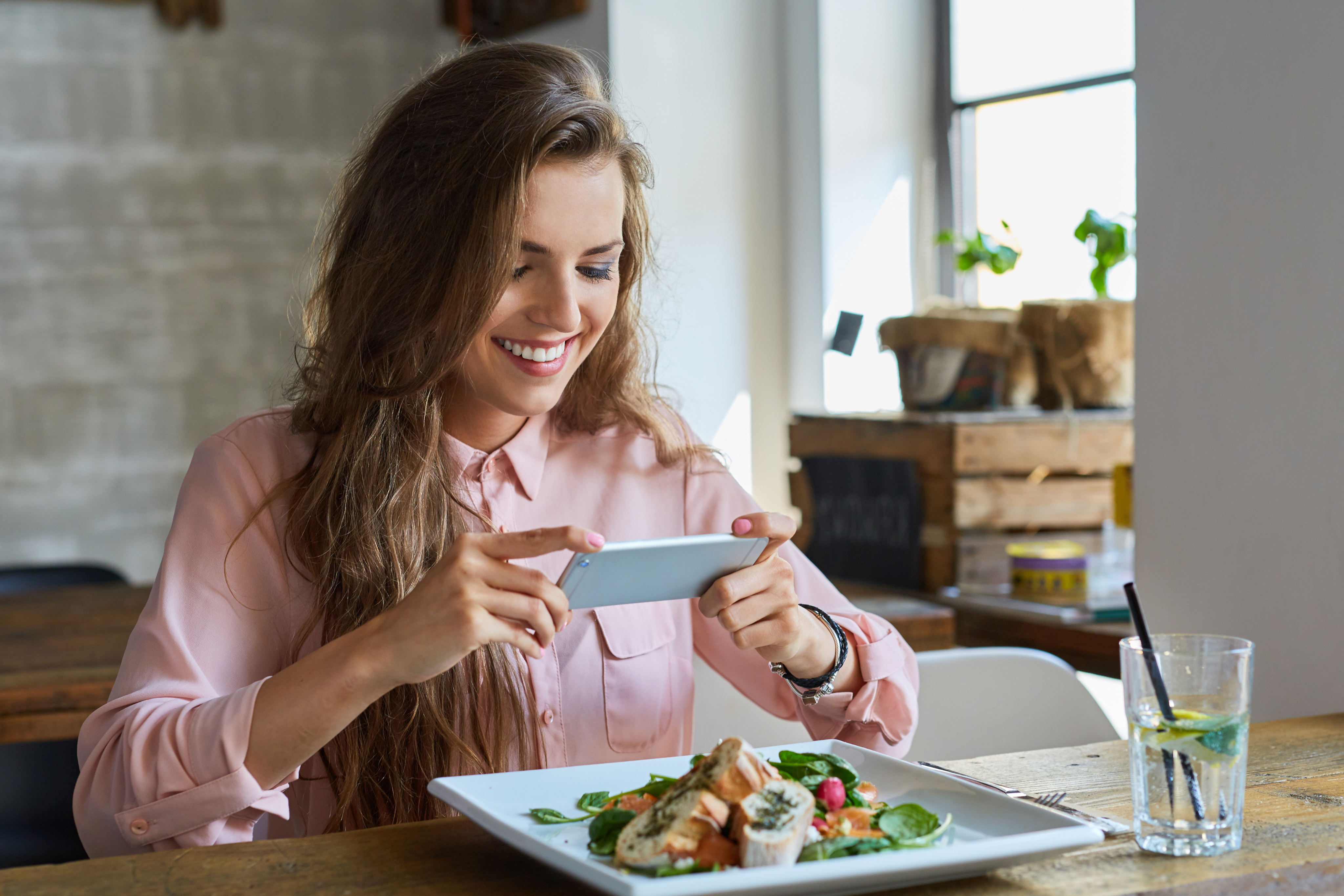
Are you cooking mouthwatering dishes... but your photos don't do them justice? Don't worry, you're not alone. Most restaurateurs, bakers, or food e-commerce merchants know that a photo sells as much as taste, but find it too technical or time-consuming.
And it's true: taking a beautiful photo requires good lighting, proper framing, a clean background, a bit of editing — in short, skills that few food professionals have the time to acquire.
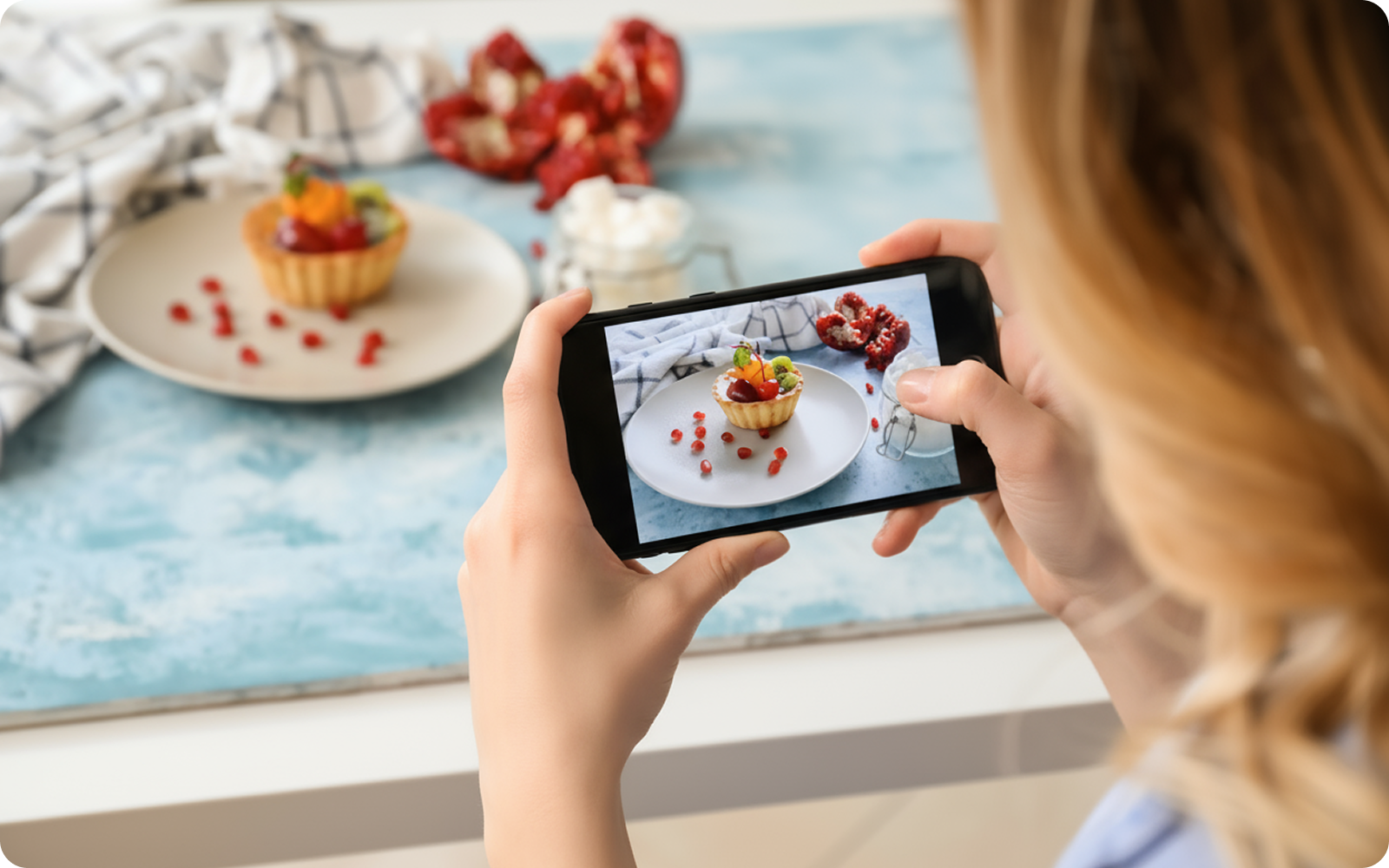
The good news? It's now possible to photograph your dishes like a pro with just a smartphone, by following a few simple steps, and then letting Sublimify take care of the rest.
Thanks to its artificial intelligence, Sublimify automatically corrects the lighting, colors, framing, and background, transforming your everyday photos into visuals worthy of a food photographer.
Here are 10 simple tips to successfully photograph your dishes, followed by the Sublimify method that elevates your images from “homemade” to “professional photo,” without editing, hassle, or budget.
Nothing beats natural light. Forget neon lights and yellow lamps: place your dishes near a window, with soft, side lighting. This creates subtle contrast, highlights the volumes, and brings your colors to life.
👉 No window? No problem: Sublimify simulates natural light and automatically balances the tones for a clear and realistic result.
The classic trap: a cluttered table, napkins, bottles, distracting elements... The eye gets lost.
Opt for a neutral background: wood, marble, slate, light tablecloth.
👉 And if the decor isn't perfect? Sublimify removes or blurs the background to keep only the essential: your dish.
Top view: salads, bowls, pizzas.
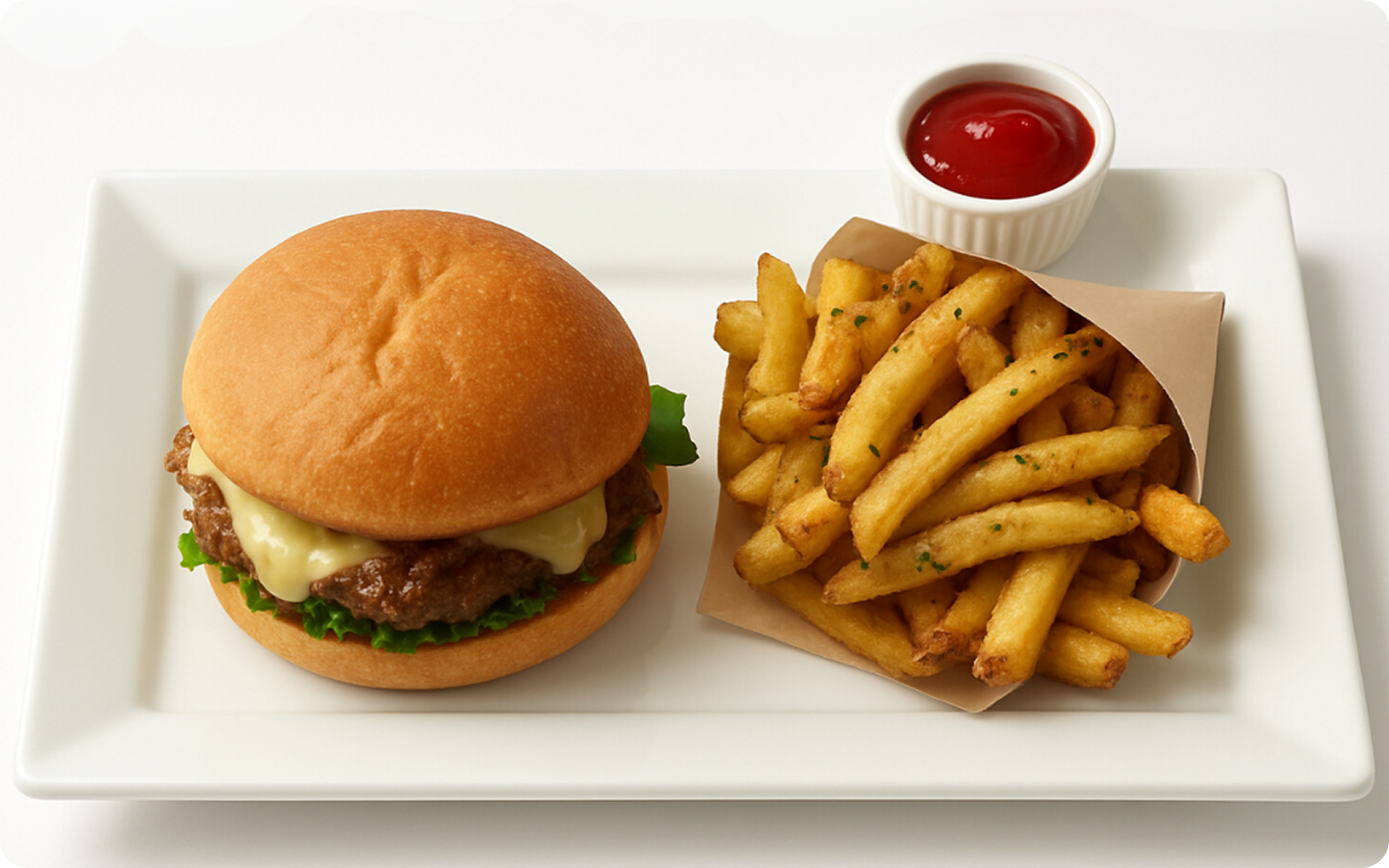
45° view: burgers, desserts, tall dishes.
Close-up view: textures (pasta, meat, sauces).
👉 Sublimify automatically detects the main subject and crops according to the right angle while straightening the horizon.
A clean plate edge, a fresh herb, a neat sauce line: that's all it takes. Avoid over-decorating.
Sublimify enhances this care by slightly increasing sharpness and contrast on key areas of the dish for a “chef” effect without cheating.
Customers buy with their eyes, but also with trust. Over-saturated colors look “fake,” while too dull colors give the impression of a cold dish.
👉 Sublimify adjusts the white balance and local saturation: the tomato sauce becomes appetizing red, the salad bright green, and the cheese golden without turning orange.
Fill the frame without cutting off essential elements. The eye should go straight to the heart of the dish.
Sublimify applies intelligent cropping: it automatically centers the subject and balances the margins for a harmonious result.
A blurry photo ruins all effort. Place your phone on a stable surface or use a mini tripod.
And if the shot isn't perfect? Sublimify enhances the sharpness of the dish without damaging the background for a clear, detailed, and professional photo.
It's that little extra that makes you hungry. Take your dishes right after cooking, when the colors are vibrant and steam is visible.
👉 Sublimify recognizes these textures and subtly enhances the shine and local contrast to highlight the crispiness, creaminess, and juiciness.
“Instagram” filters can distort reality. The customer wants to see what they get.
Sublimify applies natural corrections without artificial effects: your dishes look authentic, not manipulated. It's appetizing realism.
Here’s the magic part: have you followed the 9 tips? Perfect.
Now, upload your photos to Sublimify.
In seconds, the AI:
Corrects the light and color;
Cleans the background;
Straightens the framing;
Enhances the sharpness;
Harmonizes all your photos.
Result: a series of cohesive images, ready to be published on Uber Eats, Deliveroo, Instagram, or your e-commerce site.
No need for a photographer or software: Sublimify offers you a virtual photo studio that adapts to your style and brand.
Taking beautiful food photos is no longer a matter of equipment or artistic talent. With a bit of method and an intelligent tool, every restaurateur can visually enhance their cuisine.
Sublimify makes this process simple, quick, and accessible: just take your dishes in good lighting conditions, then let the AI do the rest.
With one click, your visuals become professional, cohesive, and marketable. You save time, control your image, and finally give your dishes the shine they deserve.
And most importantly, you maintain freedom: no more waiting for a photographer or spending hours on Photoshop.
Try it today: take a photo of your signature dish, run it through Sublimify, and see the transformation. You'll understand why so many restaurateurs are already using it to boost their sales without complicating their lives.
With Sublimify, your photos make mouths water — and your sales follow.

Want to try it for free?
Enjoy your first 3 credits for free!
No credit card required.
How Sublimify boosts your online sales with professional and consistent visuals.
Read the article →
Bakeries, cheese shops, caterers: Sublimify showcases your artisanal products in seconds.
Read the article →
Create irresistible visuals for platforms with Sublimify, your AI photo studio.
Read the article →
October 15, 2025
Are you cooking mouthwatering dishes... but your photos don't do them justice? Don't worry, you're not alone. Most restaurateurs, bakers, or food e-commerce merchants know that a photo sells as much as taste, but find it too technical or time-consuming.
And it's true: taking a beautiful photo requires good lighting, proper framing, a clean background, a bit of editing — in short, skills that few food professionals have the time to acquire.
The good news? It's now possible to photograph your dishes like a pro with just a smartphone, by following a few simple steps, and then letting Sublimify take care of the rest.
Thanks to its artificial intelligence, Sublimify automatically corrects the lighting, colors, framing, and background, transforming your everyday photos into visuals worthy of a food photographer.
Here are 10 simple tips to successfully photograph your dishes, followed by the Sublimify method that elevates your images from “homemade” to “professional photo,” without editing, hassle, or budget.
Nothing beats natural light. Forget neon lights and yellow lamps: place your dishes near a window, with soft, side lighting. This creates subtle contrast, highlights the volumes, and brings your colors to life.
👉 No window? No problem: Sublimify simulates natural light and automatically balances the tones for a clear and realistic result.
The classic trap: a cluttered table, napkins, bottles, distracting elements... The eye gets lost.
Opt for a neutral background: wood, marble, slate, light tablecloth.
👉 And if the decor isn't perfect? Sublimify removes or blurs the background to keep only the essential: your dish.
Top view: salads, bowls, pizzas.
45° view: burgers, desserts, tall dishes.
Close-up view: textures (pasta, meat, sauces).
👉 Sublimify automatically detects the main subject and crops according to the right angle while straightening the horizon.
A clean plate edge, a fresh herb, a neat sauce line: that's all it takes. Avoid over-decorating.
Sublimify enhances this care by slightly increasing sharpness and contrast on key areas of the dish for a “chef” effect without cheating.
Customers buy with their eyes, but also with trust. Over-saturated colors look “fake,” while too dull colors give the impression of a cold dish.
👉 Sublimify adjusts the white balance and local saturation: the tomato sauce becomes appetizing red, the salad bright green, and the cheese golden without turning orange.
Fill the frame without cutting off essential elements. The eye should go straight to the heart of the dish.
Sublimify applies intelligent cropping: it automatically centers the subject and balances the margins for a harmonious result.
A blurry photo ruins all effort. Place your phone on a stable surface or use a mini tripod.
And if the shot isn't perfect? Sublimify enhances the sharpness of the dish without damaging the background for a clear, detailed, and professional photo.
It's that little extra that makes you hungry. Take your dishes right after cooking, when the colors are vibrant and steam is visible.
👉 Sublimify recognizes these textures and subtly enhances the shine and local contrast to highlight the crispiness, creaminess, and juiciness.
“Instagram” filters can distort reality. The customer wants to see what they get.
Sublimify applies natural corrections without artificial effects: your dishes look authentic, not manipulated. It's appetizing realism.
Here’s the magic part: have you followed the 9 tips? Perfect.
Now, upload your photos to Sublimify.
In seconds, the AI:
Corrects the light and color;
Cleans the background;
Straightens the framing;
Enhances the sharpness;
Harmonizes all your photos.
Result: a series of cohesive images, ready to be published on Uber Eats, Deliveroo, Instagram, or your e-commerce site.
No need for a photographer or software: Sublimify offers you a virtual photo studio that adapts to your style and brand.
Taking beautiful food photos is no longer a matter of equipment or artistic talent. With a bit of method and an intelligent tool, every restaurateur can visually enhance their cuisine.
Sublimify makes this process simple, quick, and accessible: just take your dishes in good lighting conditions, then let the AI do the rest.
With one click, your visuals become professional, cohesive, and marketable. You save time, control your image, and finally give your dishes the shine they deserve.
And most importantly, you maintain freedom: no more waiting for a photographer or spending hours on Photoshop.
Try it today: take a photo of your signature dish, run it through Sublimify, and see the transformation. You'll understand why so many restaurateurs are already using it to boost their sales without complicating their lives.
With Sublimify, your photos make mouths water — and your sales follow.

Want to try it for free?
Enjoy your first 3 credits for free!
No credit card required.
How Sublimify boosts your online sales with professional and consistent visuals.
Read the article →
Bakeries, cheese shops, caterers: Sublimify showcases your artisanal products in seconds.
Read the article →
Create irresistible visuals for platforms with Sublimify, your AI photo studio.
Read the article →
October 15, 2025
Are you cooking mouthwatering dishes... but your photos don't do them justice? Don't worry, you're not alone. Most restaurateurs, bakers, or food e-commerce merchants know that a photo sells as much as taste, but find it too technical or time-consuming.
And it's true: taking a beautiful photo requires good lighting, proper framing, a clean background, a bit of editing — in short, skills that few food professionals have the time to acquire.
The good news? It's now possible to photograph your dishes like a pro with just a smartphone, by following a few simple steps, and then letting Sublimify take care of the rest.
Thanks to its artificial intelligence, Sublimify automatically corrects the lighting, colors, framing, and background, transforming your everyday photos into visuals worthy of a food photographer.
Here are 10 simple tips to successfully photograph your dishes, followed by the Sublimify method that elevates your images from “homemade” to “professional photo,” without editing, hassle, or budget.
Nothing beats natural light. Forget neon lights and yellow lamps: place your dishes near a window, with soft, side lighting. This creates subtle contrast, highlights the volumes, and brings your colors to life.
👉 No window? No problem: Sublimify simulates natural light and automatically balances the tones for a clear and realistic result.
The classic trap: a cluttered table, napkins, bottles, distracting elements... The eye gets lost.
Opt for a neutral background: wood, marble, slate, light tablecloth.
👉 And if the decor isn't perfect? Sublimify removes or blurs the background to keep only the essential: your dish.
Top view: salads, bowls, pizzas.
45° view: burgers, desserts, tall dishes.
Close-up view: textures (pasta, meat, sauces).
👉 Sublimify automatically detects the main subject and crops according to the right angle while straightening the horizon.
A clean plate edge, a fresh herb, a neat sauce line: that's all it takes. Avoid over-decorating.
Sublimify enhances this care by slightly increasing sharpness and contrast on key areas of the dish for a “chef” effect without cheating.
Customers buy with their eyes, but also with trust. Over-saturated colors look “fake,” while too dull colors give the impression of a cold dish.
👉 Sublimify adjusts the white balance and local saturation: the tomato sauce becomes appetizing red, the salad bright green, and the cheese golden without turning orange.
Fill the frame without cutting off essential elements. The eye should go straight to the heart of the dish.
Sublimify applies intelligent cropping: it automatically centers the subject and balances the margins for a harmonious result.
A blurry photo ruins all effort. Place your phone on a stable surface or use a mini tripod.
And if the shot isn't perfect? Sublimify enhances the sharpness of the dish without damaging the background for a clear, detailed, and professional photo.
It's that little extra that makes you hungry. Take your dishes right after cooking, when the colors are vibrant and steam is visible.
👉 Sublimify recognizes these textures and subtly enhances the shine and local contrast to highlight the crispiness, creaminess, and juiciness.
“Instagram” filters can distort reality. The customer wants to see what they get.
Sublimify applies natural corrections without artificial effects: your dishes look authentic, not manipulated. It's appetizing realism.
Here’s the magic part: have you followed the 9 tips? Perfect.
Now, upload your photos to Sublimify.
In seconds, the AI:
Corrects the light and color;
Cleans the background;
Straightens the framing;
Enhances the sharpness;
Harmonizes all your photos.
Result: a series of cohesive images, ready to be published on Uber Eats, Deliveroo, Instagram, or your e-commerce site.
No need for a photographer or software: Sublimify offers you a virtual photo studio that adapts to your style and brand.
Taking beautiful food photos is no longer a matter of equipment or artistic talent. With a bit of method and an intelligent tool, every restaurateur can visually enhance their cuisine.
Sublimify makes this process simple, quick, and accessible: just take your dishes in good lighting conditions, then let the AI do the rest.
With one click, your visuals become professional, cohesive, and marketable. You save time, control your image, and finally give your dishes the shine they deserve.
And most importantly, you maintain freedom: no more waiting for a photographer or spending hours on Photoshop.
Try it today: take a photo of your signature dish, run it through Sublimify, and see the transformation. You'll understand why so many restaurateurs are already using it to boost their sales without complicating their lives.
With Sublimify, your photos make mouths water — and your sales follow.

Want to try it for free?
Enjoy your first 3 credits for free!
No credit card required.
How Sublimify boosts your online sales with professional and consistent visuals.
Read the article →
Bakeries, cheese shops, caterers: Sublimify showcases your artisanal products in seconds.
Read the article →
Create irresistible visuals for platforms with Sublimify, your AI photo studio.
Read the article →